Create brands & products for consistent results
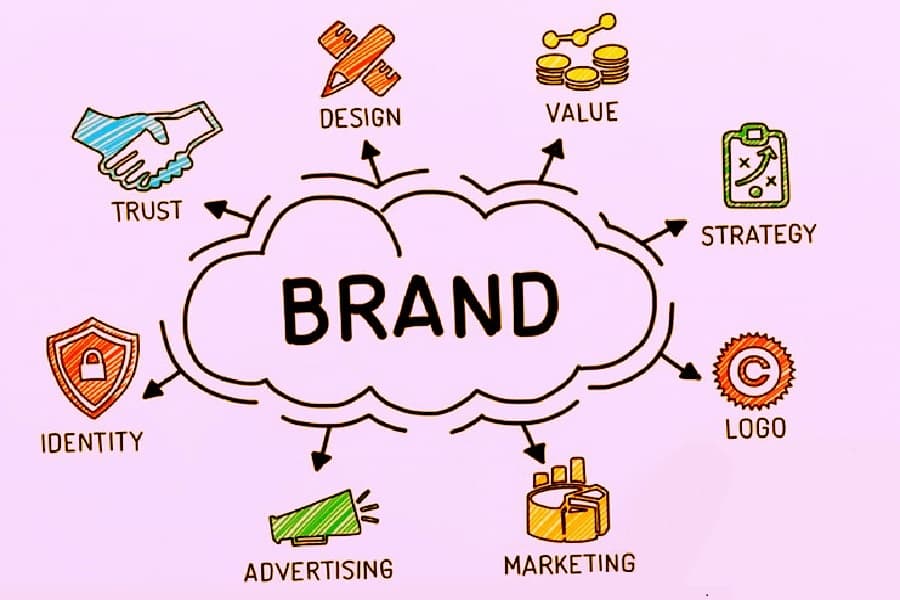
A brand is more than a logo — it’s trust, design, strategy, identity, and voice all working together. In Poster, you encode all of that once so every piece of content you generate stays consistent without extra effort.
Step 1: Create a brand
A brand in Poster is your “style anchor” — the baseline the model uses to keep outputs coherent across time and campaigns.
At minimum, set:
- Brand name — how it’s referenced in prompts
- Description & audience — who you’re talking to and what you stand for
- Primary + secondary colors — keeps palette consistent automatically
- Font — if you have a brand typeface, add it
Tip: Paste your brand's website URL and click Analyze — we'll scan the site and prefill name, description, colors, font, and even extract the logo. You can correct anything afterwards.
The more complete the brand, the less guesswork goes into every generation.
Step 2: Add products
Products tell the model what you’re creating content about. Without them, prompts stay vague. With them, outputs are campaign-ready:
- Product name
- Short description (what it is, key message)
- (Optional) website link — paste a product or landing page URL and click Analyze to auto-fill name and description from the page. You can edit the results before saving.
Step 3: Generate with context
When you combine brand + product in a generation:
- Brand → controls tone, palette, and overall visual identity
- Product → provides the specific subject and campaign details
This is the difference between “10 decent images” and “10 variants that feel like a cohesive set.”
Step 4: Reuse and scale
Once your brand and product catalog are set up, the repeatable workflow is:
- Pick a template
- Select brand + product
- Write one focused instruction
- Tune and export
That’s the fastest way to produce high-volume social content without losing consistency — at any scale.